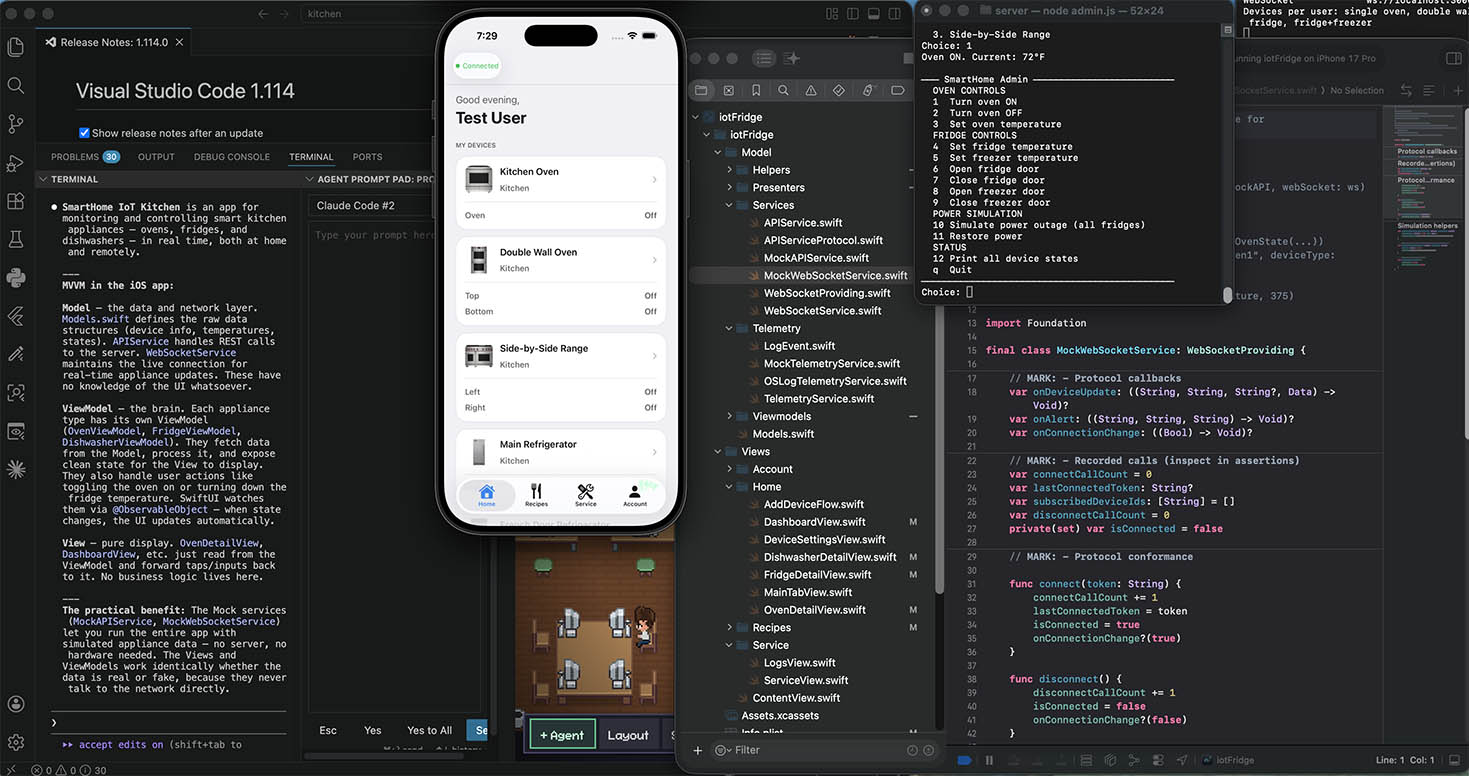
When you start building an iOS app, the easiest thing to do is put everything in one place. You fetch data, format it, handle errors, and drive animations all inside your SwiftUI View. This works fine for a tutorial to-do list with ten items. It falls apart fast when you’re building something… real.
Imagine a view that controls an IoT kitchen oven. It needs to:
- Call an API to get the current oven state
- Toggle the oven on and off
- Set a target temperature
- Change the cooking mode
- Listen for live updates over a WebSocket
- Show an error alert if something fails
If all of that lives in your view, you end up with a single file that’s hundreds of lines long, impossible to reason about, and completely untestable. You can’t write a unit test for a View — you’d have to launch the full UI to verify that tapping “Turn On” actually calls the right API.
This is the problem that MVVM (Model–View–ViewModel) solves.
MVVM splits your app into three distinct layers, each with a clear responsibility:
Model — your raw data and business logic. In a Swift app, this is your Codable structs, your service classes that call the network, and your domain types. The Model doesn’t know anything about the UI.
View — the SwiftUI layer. Its only job is to describe what the screen looks like based on the current state. It reads from the ViewModel and sends user actions back to it. Ideally a View contains no logic at all — no if statements about business rules, no formatting code, no network calls.
ViewModel — the glue in the middle. It holds @Published state that the View observes, executes commands when the user taps something, and transforms raw Model data into something the View can display directly.
The first payoff is testability. Because the ViewModel is a plain Swift class with no UIKit or SwiftUI dependencies, you can instantiate it in a unit test, call its methods, and assert on its @Published properties — all without a simulator, without a screen, in milliseconds.
The second payoff is readability. A View that just renders state is easy to scan. A ViewModel that just manages state for one screen is easy to follow. Neither is overloaded.
Here’s how this app is structured.
The oven’s data model is a plain Codable struct in Models.swift — it has no idea what a View is:
struct OvenState: Codable {
    var isOn: Bool
    var targetTemperature: Int
    var currentTemperature: Int
    var mode: String
    var lastUpdated: String
}
The ViewModel (OvenViewModel.swift) owns the state and exposes commands. It’s a @MainActor class marked ObservableObject so SwiftUI can subscribe to its changes:
@MainActor
final class OvenViewModel: ObservableObject {
    @Published var ovenStates: [String: OvenState] = [:]
    @Published var error: AppError?

    func toggleOven(deviceId: String, compartment: String? = nil) async {
        let key = ovenKey(deviceId, compartment)
        let current = ovenStates[key]?.isOn ?? false
        do {
            ovenStates[key] = try await api.setOvenPower(
                deviceId: deviceId, compartment: compartment, isOn: !current
            )
            telemetry.record(.ovenPowerChanged(deviceId: deviceId, compartment: compartment, isOn: !current))
        } catch {
            let appError = AppError.from(error)
            self.error = appError
            telemetry.record(.commandFailed(command: "toggleOven", deviceId: deviceId, error: appError))
        }
    }
}
The View (OvenDetailView.swift) reads from the ViewModel and delegates every tap back to it. The view doesn’t know what an API is:
Button {
    Task { await vm.toggleOven(deviceId: device.id, compartment: compartment?.key) }
} label: {
    Text(state?.isOn == true ? "Turn Off" : "Turn On")
}
Because the ViewModel has no UI dependency, a unit test can exercise the full command flow:
let mock = MockAPIService()
mock.setOvenPowerResult = .success(OvenState(isOn: true, ...))

let vm = OvenViewModel(api: mock, telemetry: MockTelemetryService())
await vm.toggleOven(deviceId: "oven1")

XCTAssertEqual(vm.ovenStates["oven1"]?.isOn, true)
No simulator. No tap events. No UI at all. That’s the point.
The discipline of MVVM is worth it from day one, even on small apps. The codebase you have to debug at 11pm when something breaks in production will thank you.
Leave a Reply
You must be logged in to post a comment.