
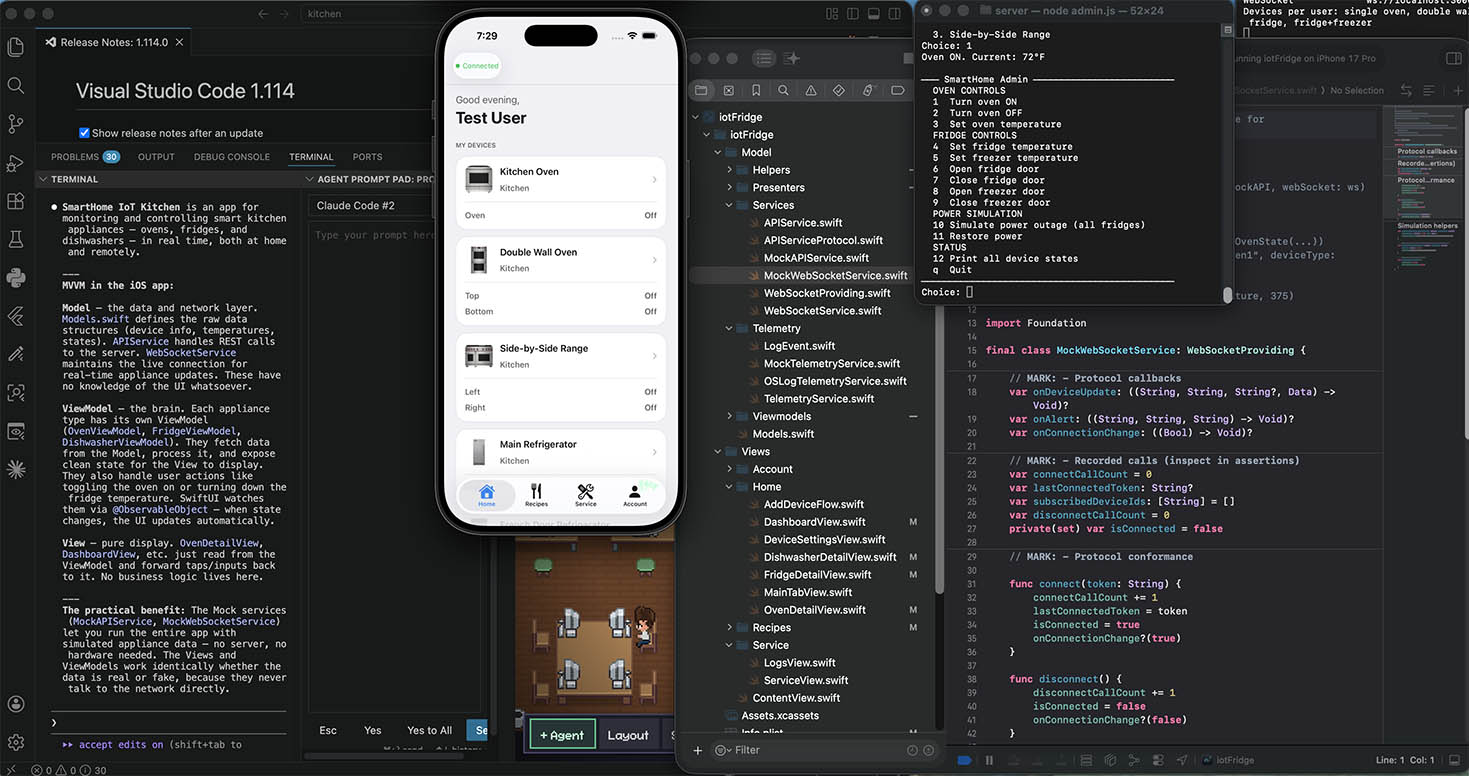
Before reactive programming was common in iOS, updating a UI worked like a conversation where you did all the talking. You’d call a function to load data, store it somewhere, then manually tell the UI to refresh. If data could change again later, you’d set up a timer and poll — checking every few seconds whether something had changed, then re-rendering if it had.
This polling approach has a fundamental problem: you’re always either checking too often (wasting battery) or not often enough (showing stale data). And the code to orchestrate it — tracking timers, invalidating them, avoiding double-fetches — grows into something fragile and hard to follow.
For an IoT app that streams live appliance state from a server every 2 seconds, polling would be absurd. You’d be constantly asking “did anything change?” when the server is perfectly capable of just telling you.
Combine is Apple’s framework for reactive programming. The core idea is simple: instead of your UI asking for state, it subscribes to state and reacts whenever it changes.
The building block is @Published. When you mark a property @Published on an ObservableObject, Combine automatically emits a new value every time that property changes. Any SwiftUI view that reads the property re-renders automatically — you never have to call reload(), setNeedsDisplay(), or update a label manually.
@MainActor
final class OvenViewModel: ObservableObject {
    @Published var ovenStates: [String: OvenState] = [:]
}
Any SwiftUI view that reads vm.ovenStates is now subscribed. When a WebSocket message arrives and updates the dictionary, every view that depends on it re-renders. No polling. No manual notification. No timer.
Combine also solves a UI problem called rapid input debouncing. When a user taps a temperature stepper quickly — say, six taps to go from 350°F to 500°F — you don’t want to fire six separate API calls. You want to fire one call after they stop tapping. This is a textbook use case for a PassthroughSubject with a .debounce operator.
Live state via @Published
Every ViewModel in this app exposes its state as @Published dictionaries keyed by device ID. When a WebSocket message arrives, the ViewModel updates the relevant entry and Combine does the rest:
// OvenViewModel — called when a WebSocket "device_update" message arrives
func applyUpdate(deviceId: String, compartment: String?, data: Data) {
    guard let state = try? JSONDecoder().decode(OvenState.self, from: data) else { return }
    ovenStates[ovenKey(deviceId, compartment)] = state  // @Published triggers re-render
}
The view doesn’t poll. It just reads vm.ovenStates[key] inside its body. SwiftUI’s dependency tracking figures out which views care about which keys and re-renders only those.
Debounced temperature updates
OvenViewModel uses a PassthroughSubject to collect rapid stepper taps and collapse them into a single API call after 600ms of silence:
private let tempSubject = PassthroughSubject<(deviceId: String, compartment: String?, temperature: Int), Never>()

init(api: APIServiceProtocol, telemetry: TelemetryService) {
    // ...
    tempSubject
        .debounce(for: .milliseconds(600), scheduler: RunLoop.main)
        .sink { [weak self] params in
            Task { await self?.setOvenTemperature(
                deviceId: params.deviceId,
                compartment: params.compartment,
                temperature: params.temperature
            )}
        }
        .store(in: &cancellables)
}

// UI calls this — just sends the value into the pipeline
func scheduleTemperatureUpdate(deviceId: String, compartment: String? = nil, temperature: Int) {
    tempSubject.send((deviceId, compartment, temperature))
}
Six rapid taps = six values sent into the subject. The .debounce operator discards all but the last one that arrives after the 600ms quiet window. One API call. The fridge ViewModel has two separate subjects — one for the fridge zone, one for the freezer zone — so they debounce independently.
Forwarding changes up from child ViewModels
The app uses a coordinator pattern where DeviceViewModel owns three child ViewModels. Views observe DeviceViewModel, but state lives in the children. Combine’s objectWillChange publisher bridges this:
ovenVM.objectWillChange
    .sink { [weak self] in self?.objectWillChange.send() }
    .store(in: &cancellables)
Whenever OvenViewModel is about to change one of its @Published properties, it fires objectWillChange. The sink catches that and immediately fires DeviceViewModel‘s own objectWillChange, which tells SwiftUI that the coordinator is about to change — causing all views subscribed to the coordinator to re-render. No polling, no manual notification, no delegate callbacks.
Merging error streams
Errors from the three child ViewModels are merged into a single stream on the coordinator using Publishers.MergeMany:
Publishers.MergeMany(
    ovenVM.$error.compactMap { $0 },
    fridgeVM.$error.compactMap { $0 },
    dishwasherVM.$error.compactMap { $0 }
)
.sink { [weak self] appError in
    self?.error = appError
    if appError.isUnauthorized { self?.requiresReauth = true }
}
.store(in: &cancellables)
Any child error automatically surfaces on the coordinator. If it’s an auth error, requiresReauth flips to true, which ContentView observes to automatically log the user out.
Combine turns a complex, stateful coordination problem into a handful of clear, declarative pipelines.
Leave a Reply
You must be logged in to post a comment.